Bio Data Format for Marriage Simple & Professional Template
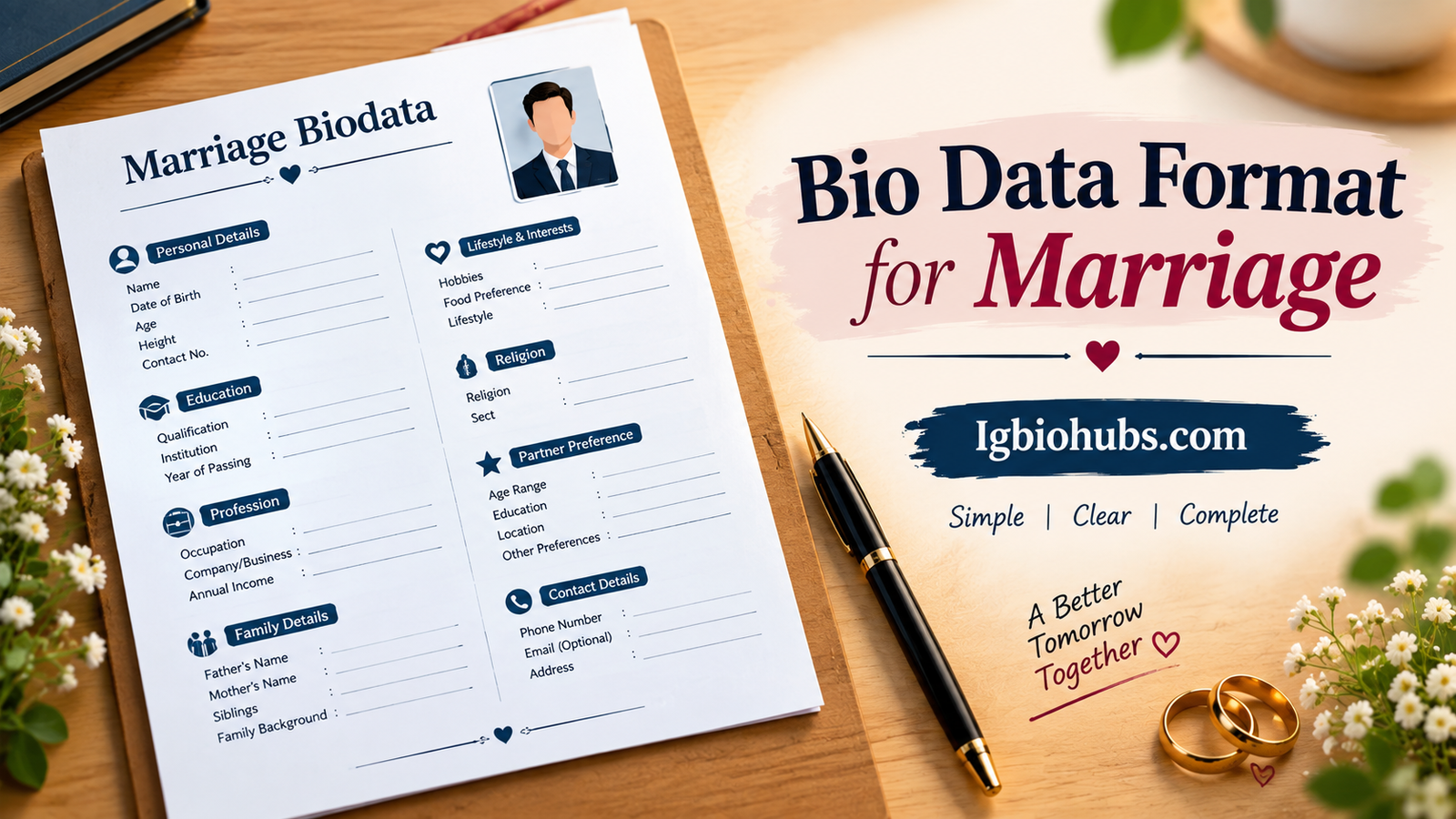
Bio Data Format for Marriage is a simple way to present important personal, family, educational, and professional details when looking for a suitable marriage partner.
A well-organized marriage biodata helps families and individuals understand basic information quickly without making the document confusing or overly long.
It can include your name, age, date of birth, education, occupation, family background, hobbies, lifestyle preferences, and contact details.
You can create a traditional or modern format depending on your needs and cultural preferences.
Keeping the information honest, clear, and neatly arranged makes the biodata more professional.
In this guide, you’ll find useful ideas for creating a simple marriage biodata.
Table of Contents
Quick Table
| Biodata Section | What to Include |
|---|---|
| Personal Details | Name, age, date of birth, height |
| Education | Degree, qualification, institution |
| Profession | Job, business, or occupation |
| Family Details | Parents, siblings, family background |
| Lifestyle | Hobbies, interests, and values |
| Religion | Religion, sect, and other relevant details |
| Contact Details | Phone number or family contact |
| Photo | Recent and clear photograph |
| Partner Preference | Preferred age, education, location, etc. |
| Additional Information | Any other important details |
What That Late-Night Experience Taught Me
Last year, my cousin called me at 11 PM in a full-blown panic.
Her rishta aunty needed her biodata “by tomorrow morning” and she had nothing except a half-filled Word document with her name spelled in three different fonts.
We ended up redoing the whole thing together till 2 AM, and honestly, that night taught me more about what makes a good marriage biodata than any template website ever did.
Since then, I’ve helped put together maybe a dozen of these — for cousins, friends, even a neighbor’s son who point-blank refused to write his own because “it feels weird talking about myself.”
So this isn’t theory. This is what I’ve actually seen work, what backfires, and what people almost always get wrong the first time.
Why the Format Actually Matters (More Than You’d Think)
Here’s the thing nobody tells you upfront: a biodata isn’t a resume, but it also isn’t a diary entry.
It sits in this weird middle zone. Too formal and it feels cold, like you’re applying for a bank loan. Too casual and it looks like you didn’t take the process seriously.
I learned this the hard way. The first biodata I ever helped write, I made it read almost like a personal essay — paragraphs about hobbies, childhood memories, the whole thing.
The aunty who received it literally said, “Beta, where’s the height and the family details? I don’t have time to read a novel.” Ouch. But fair.
That’s when it clicked — people receiving these biodatas (parents, relatives, matchmakers) are often scanning through several at once.
They need information fast and organized. So structure beats storytelling here, every single time.
The Format That Actually Gets Read
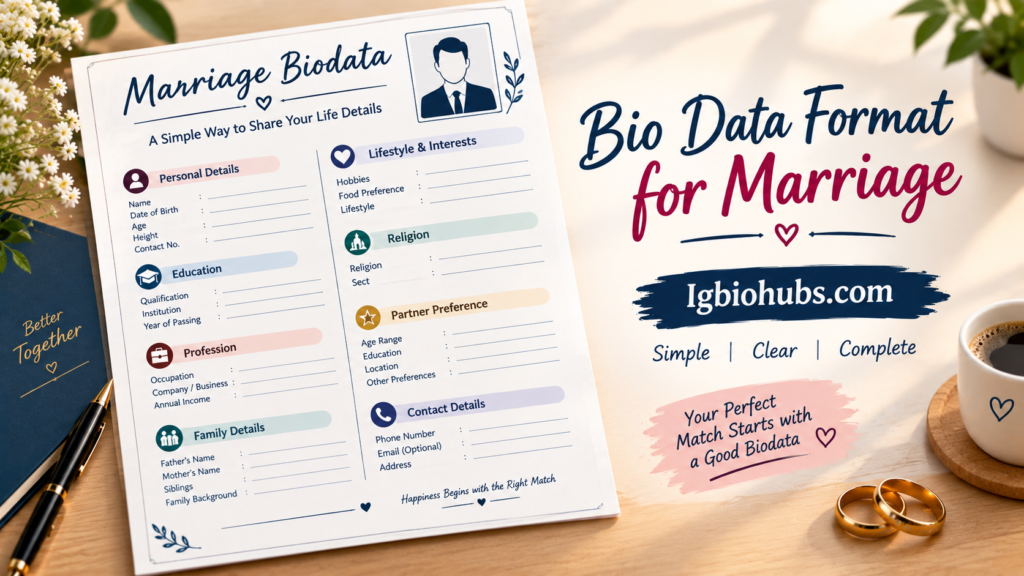
After trial and error (and a few cringe-worthy early drafts), here’s the layout that consistently worked well for everyone I helped:
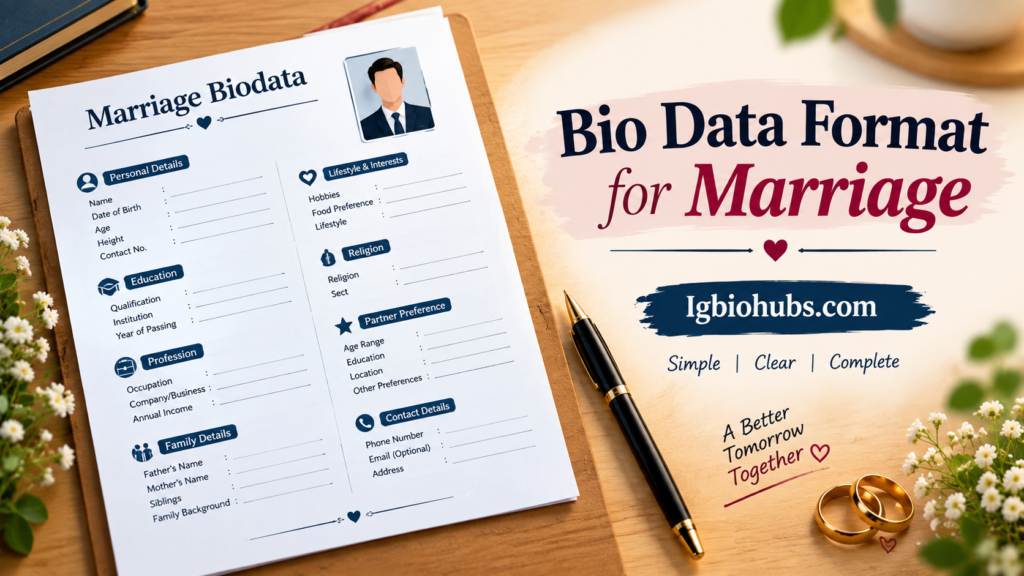
1. A simple header with a photo Not a filtered Instagram photo. A clear, recent, well-lit photo where the face is visible. I’ve seen people use heavily edited pictures and it genuinely raises eyebrows on the other side — families want to see what the person actually looks like.
2. Personal Details section
- Full name
- Date of birth
- Height
- Religion / Caste (if relevant to your community)
- Complexion (a lot of people skip this now, and honestly, good — but some families still expect it)
- Marital status
3. Educational Background Degree, university, year of completion. Keep it to two or three lines max. Nobody needs your entire transcript.
4. Professional Details Job title, company (optional), and a one-line description of what you actually do.
My friend once wrote “Software Engineer” with nothing else, and got asked in the very first meeting, “So what does that mean exactly?” A short explanation saves that awkward moment.
5. Family Background Father’s occupation, mother’s occupation (or homemaker), number of siblings, and their brief details.
This section matters more than people realize — a lot of families are genuinely evaluating compatibility here, not just the individual.
6. Contact Information Phone number and city, at minimum. Skip the home address for privacy — I always tell people this.
You don’t want your exact address floating around in every WhatsApp group the biodata gets forwarded to (and trust me, it will get forwarded).
7. A short “About Me” bit (optional but nice) Three to four lines. Not your life story.
Just enough to show personality — hobbies, general nature, what you’re looking for in a partner if you’re comfortable sharing that.
Step-by-Step: How I Actually Build One
If you’re starting from scratch, here’s the process that’s worked every single time:
Step 1: Pick your tool. Don’t overthink this. Microsoft Word or Google Docs is completely fine. If you want something more polished-looking, Canva has decent free biodata templates — search “marriage biodata” in their template search bar and you’ll get dozens of options you can just fill in.
Step 2: Choose a clean, single-page layout. One page. That’s it. If your biodata is running into a second page, you’re including too much detail somewhere. Trim it down.
Step 3: Use a simple table structure. Two columns work best — label on the left, detail on the right. It’s the easiest format for someone to scan quickly. This one small change made the biggest visible difference in every biodata I reformatted.
Step 4: Keep fonts boring on purpose. Times New Roman, Calibri, or Arial. I know it’s tempting to use a “fancy” font to make it look special, but readability wins here. Save the decorative fonts for the header/title only, if at all.
Step 5: Get a second pair of eyes. Every single time I’ve proofread a biodata for someone, I’ve caught at least one small error — a wrong graduation year, a typo in the city name, sometimes even an outdated phone number. Always have someone else check it before it gets sent out.
Real Mistakes I’ve Seen (So You Can Skip Them)
Using an outdated photo. One girl used a photo from four years earlier because “it was her best picture.” When the families finally met, there was visible confusion. Use a photo from within the last year, ideally.
Overloading with unnecessary details. Blood group, exact salary figures, list of favorite movies — none of this is essential. Include only what actually helps someone decide if there’s compatibility.
Copy-pasting a generic template without personalizing it. I’ve literally seen two biodatas from different families with the exact same “About Me” paragraph because they downloaded from the same website and forgot to change it. It’s obvious, and it looks careless.
Making it too design-heavy. Some templates come with busy borders, multiple colors, and decorative icons everywhere. It looks nice on Canva’s preview, but once printed or viewed on a phone screen, it becomes cluttered and hard to read.
Forgetting to update it. People make one biodata and send the same version around for years. If your job title changed or your family situation is different now, update it. An outdated biodata creates confusion later in the conversation.
A Quick Real Example
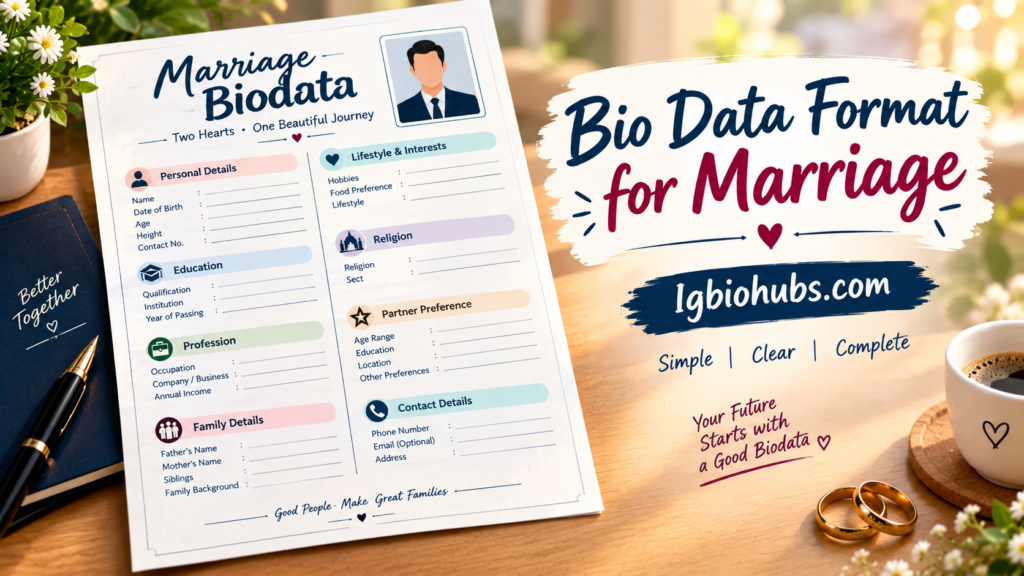
For my cousin, here’s roughly how her final version looked (details changed for privacy):
Name: [Full Name] — Age: 26 — Height: 5’4″ Education: BBA, [University Name], 2021 Occupation: Marketing Executive at [Company Type] Father: Retired Government Officer Mother: Homemaker Siblings: One elder brother (married), one younger sister (student) City: Lahore About: Enjoys reading, cooking, and traveling. Family-oriented, looking for someone with similar values.
Simple, clean, one page, done in under fifteen minutes once she had her details ready.
The aunty who initially rushed her actually complimented the format when it was resent.
FAQs
What is a bio data format for marriage?
A marriage biodata is a document that presents personal, educational, professional, family, and other relevant details of a person seeking a marriage partner.
What should be included in marriage biodata?
It usually includes name, age, date of birth, height, education, profession, family details, hobbies, lifestyle, religion, and contact information.
Should a photo be added to marriage biodata?
Yes. A recent, clear, and decent photo can be included, especially when the biodata is being shared with families.
Can I create a marriage biodata in Word?
Yes. Microsoft Word is a convenient option because you can easily edit the information, add a photo, and customize the layout.
How long should a marriage biodata be?
One or two pages are usually enough. Keep the information clear, relevant, honest, and easy to read.
Conclusion
A good bio data format for marriage makes it easier to present your important information in a clear and organized way.
Whether you are preparing a biodata for yourself, a son, daughter, brother, sister, or another family member, the goal should be to keep it simple and informative.
Include essential personal details such as name, age, education, occupation, family background, lifestyle, and contact information. A suitable photograph can also make the biodata more complete.
You do not need an overly decorative design to create an impressive marriage biodata. A clean layout with clear headings and accurate information often looks more professional.
Make sure all details are truthful and avoid adding unnecessary personal information.
You can create the document using Microsoft Word, Google Docs, or another simple editing tool.
Finally, review the biodata carefully for spelling mistakes and incorrect details before sharing it.
A well-prepared format can help families quickly understand the person’s background and preferences while making the marriage proposal process more organized.